Login to your account
By Timo Kavuma - Oct 23, 2025
In order to login to your account, make sure you have the phone you registered with nearby in order to pass the One Time Password verification.
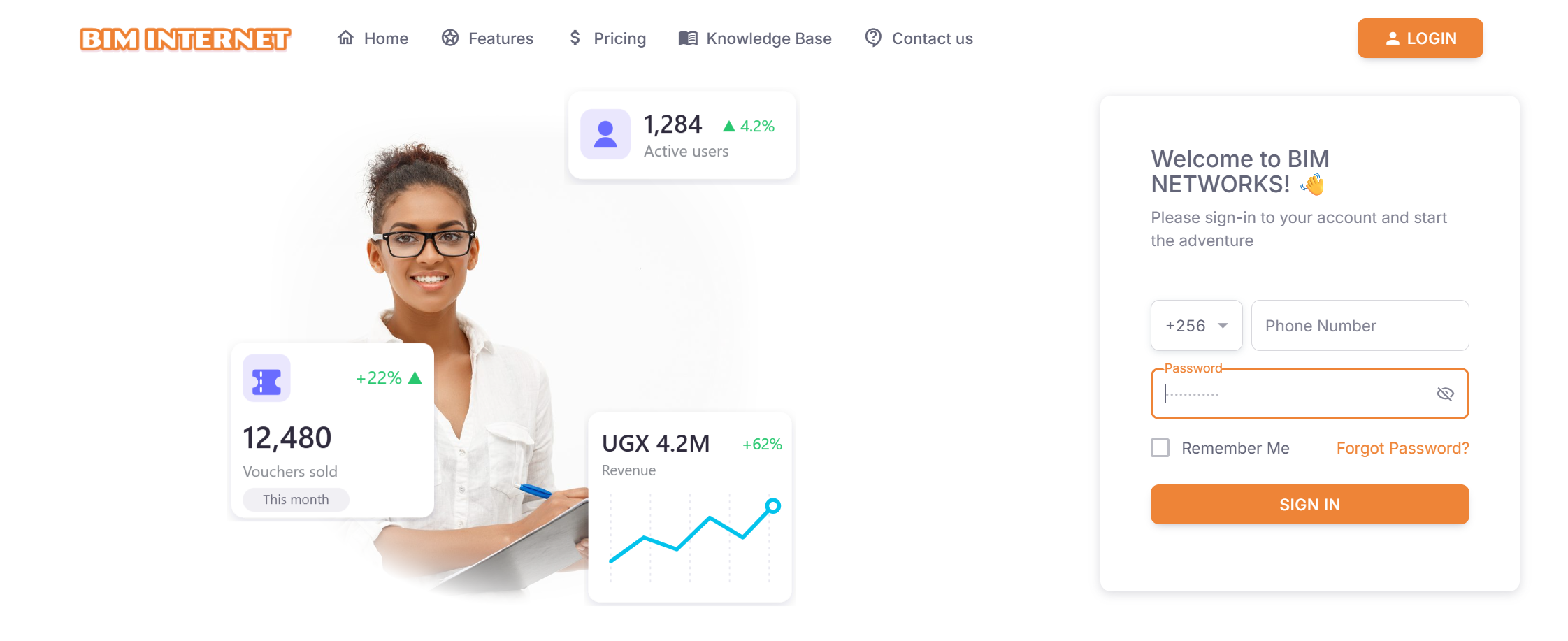
STEP 1: Simply click the login button at the top right corner of the web page

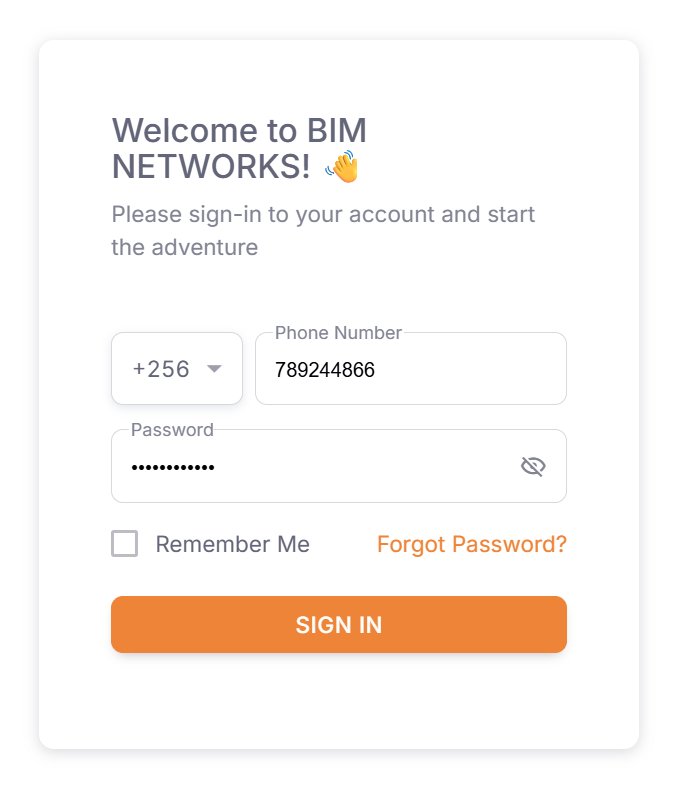
STEP 2: Type in your phone number and your password (The one you setup during registration).
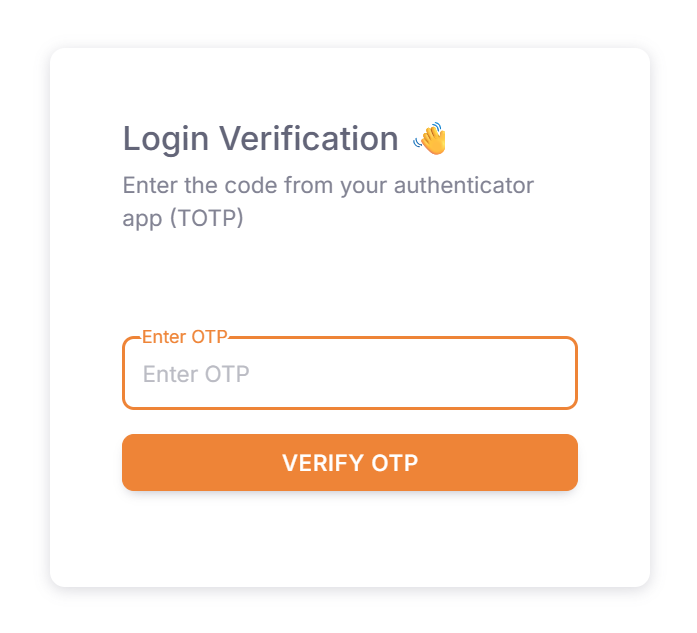
STEP 3: Fill in the One Time Passcode in your authenticator app.
Tags:
Tutorials
Account Management